Alipay: Set Up, Link Your Card, Pay
Register Alipay with your home phone number, link a foreign Visa/Mastercard/JCB/Amex, and pay by QR code across China. Includes limits, the 3% fee rule, and fixes for the most common failures.
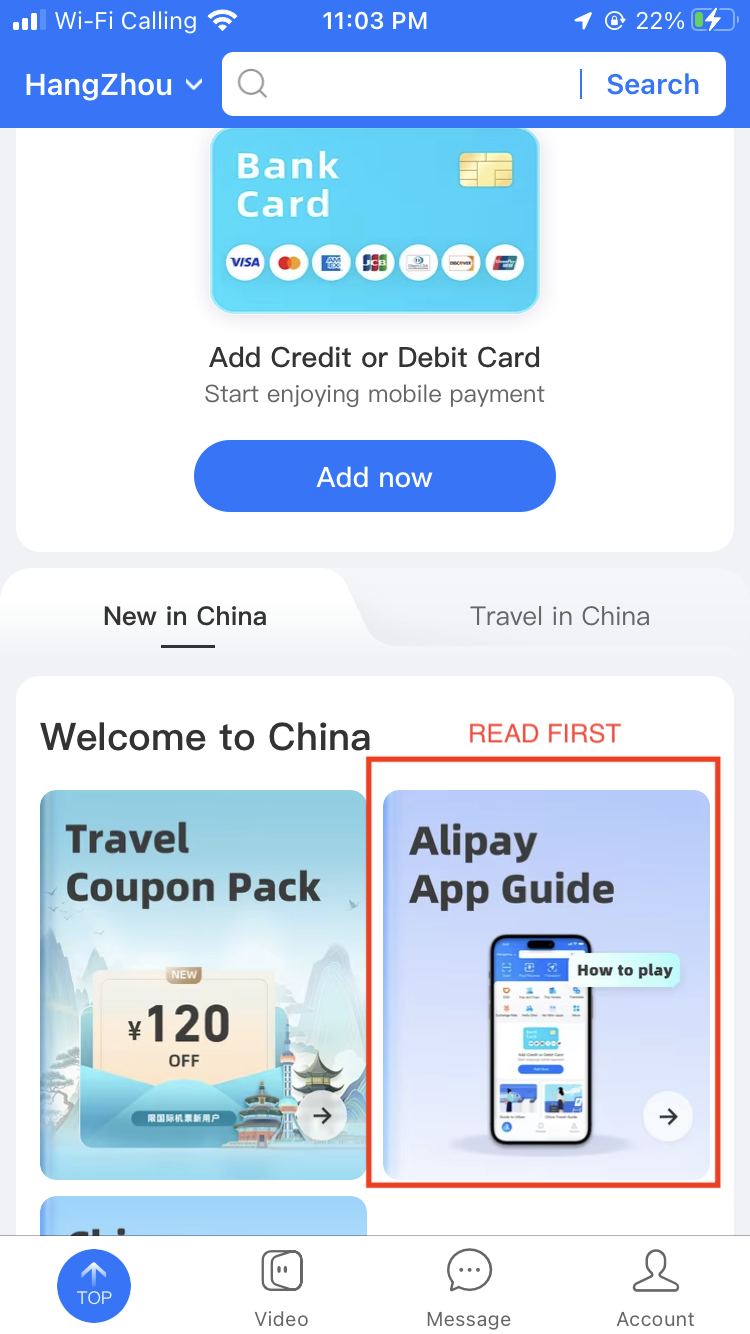
Alipay is the one payment app you actually need in China. Set it up before you fly: download the app, register with your own phone number (no Chinese number needed), link a Visa, Mastercard, JCB, Amex, Discover or Diners card, and verify with your passport. The whole process takes about 15 minutes, and afterwards you can pay almost anywhere by scanning a QR code. Payments under ¥200 are fee-free; above that Alipay adds 3%.
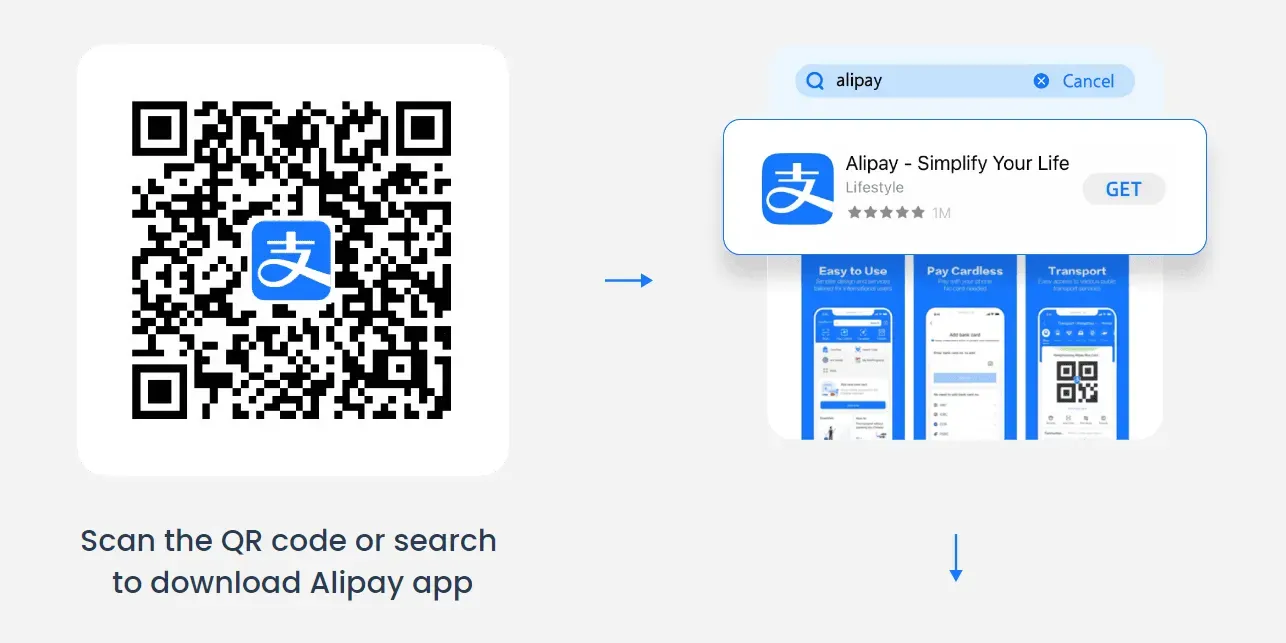
Step 1: Download and register
- Download Alipay
Get the official Alipay app from the App Store or Google Play before departure. Do this at home — app stores can be slow in China without a VPN.
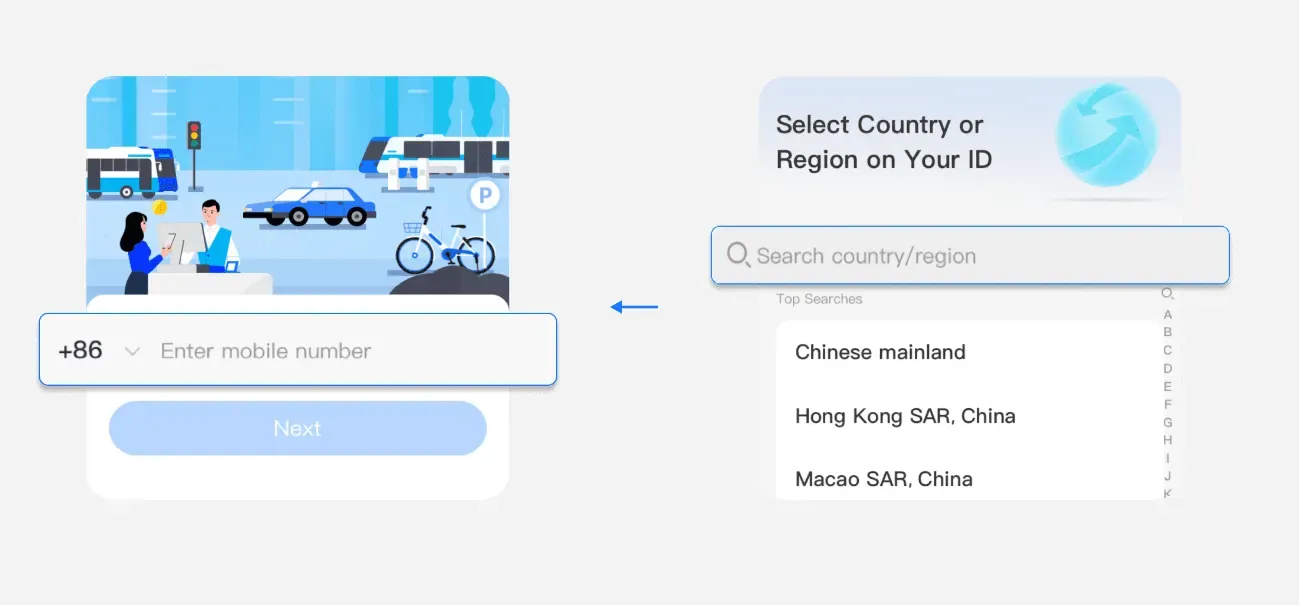
- Sign up with your home phone number
Pick your country code from the dropdown, enter your mobile number, and confirm the SMS code. International numbers work fine — make sure roaming is on so you can receive SMS in China later.
- Switch to English if needed
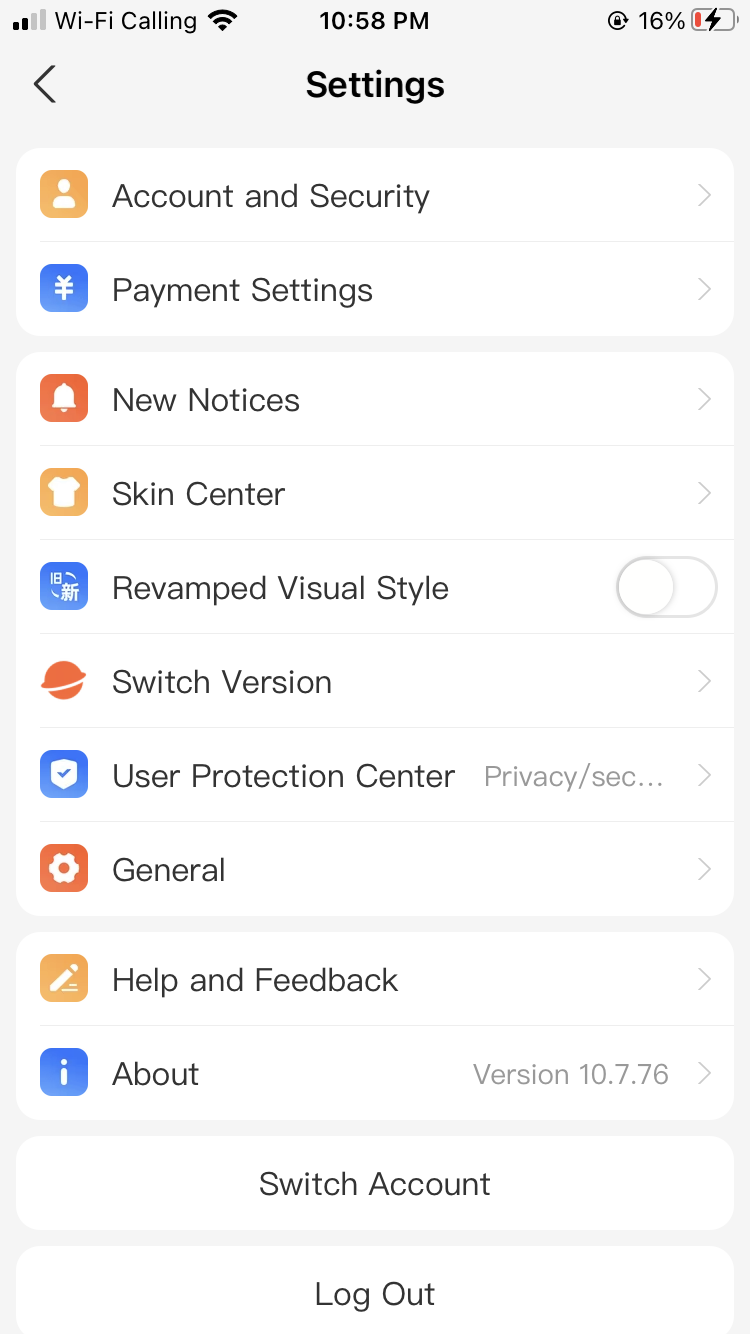
If anything shows in Chinese: Me > Settings > General > Language > English.
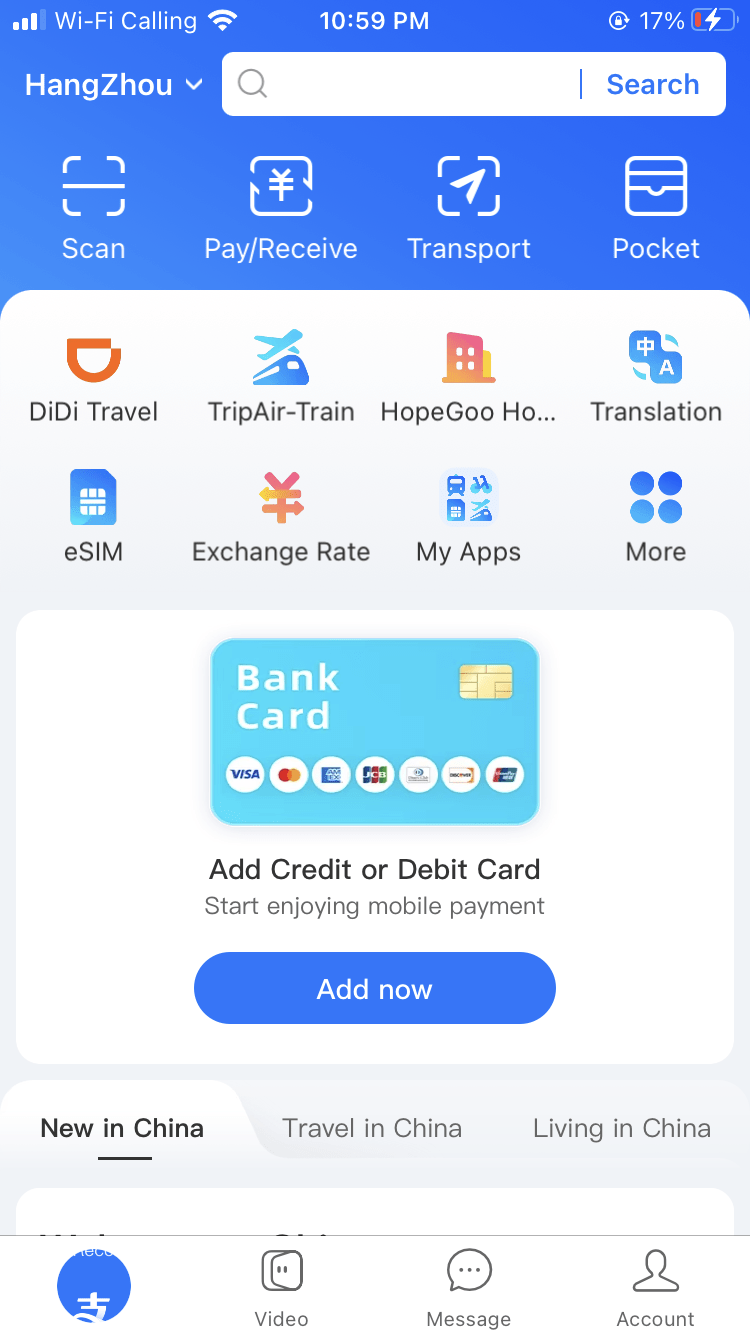
Step 2: Link your foreign card
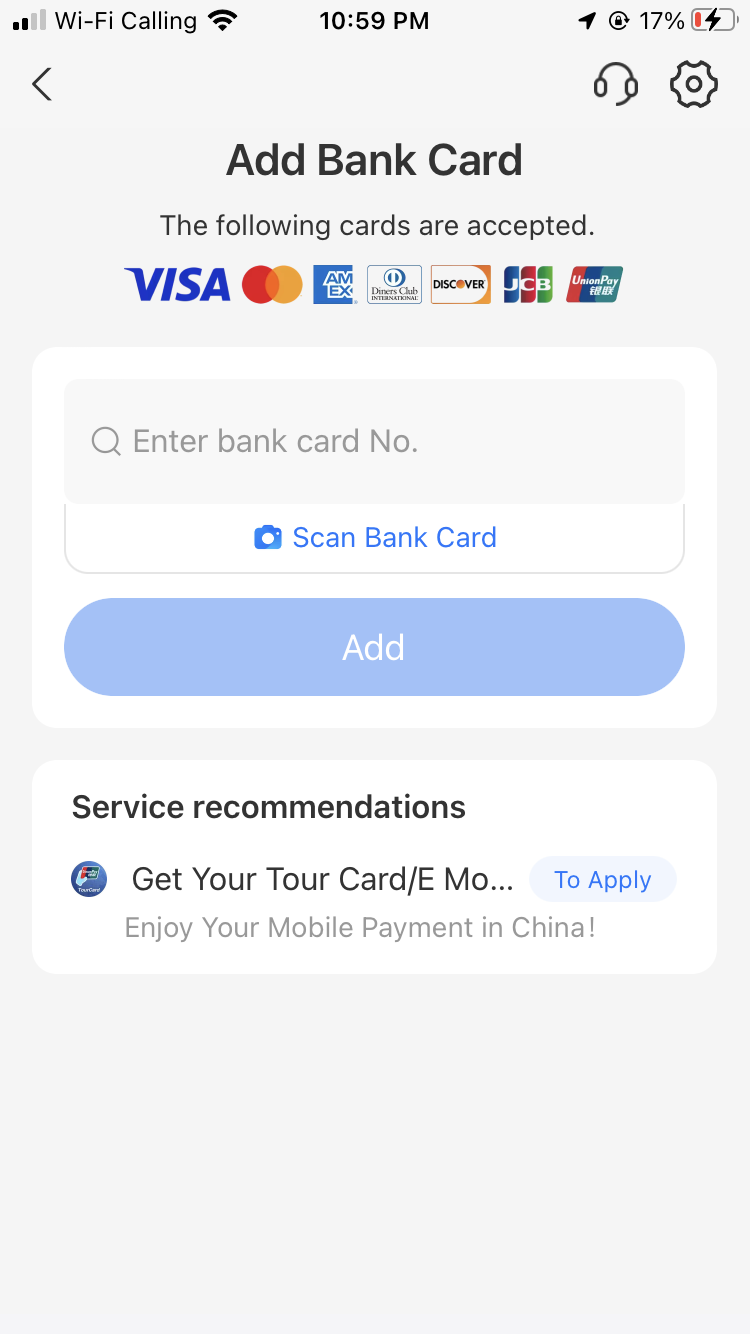
- Open card binding
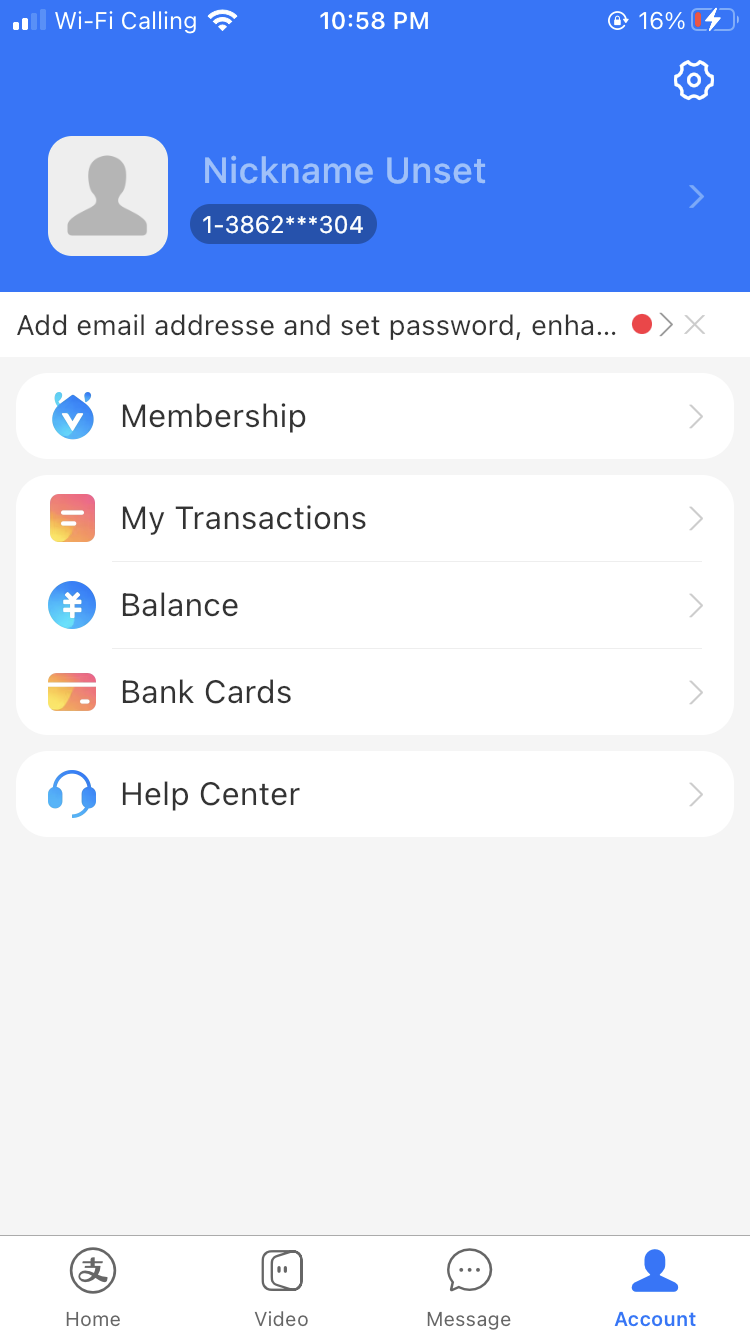
Go to Me > Bank Cards > Add Card (or follow the prompt after signup). Enter your card number, expiry, and CVV.
- Type your name exactly as printed on the card
Name mismatch is the #1 reason linking fails. If it's rejected, retry with or without your middle name and spaces.
- Pass 3D Secure
Your bank may push a one-time code or app approval. If the card is declined outright, call your bank and ask them to authorize Alipay/China transactions.
Step 3: Verify your identity (do it now, not at the register)
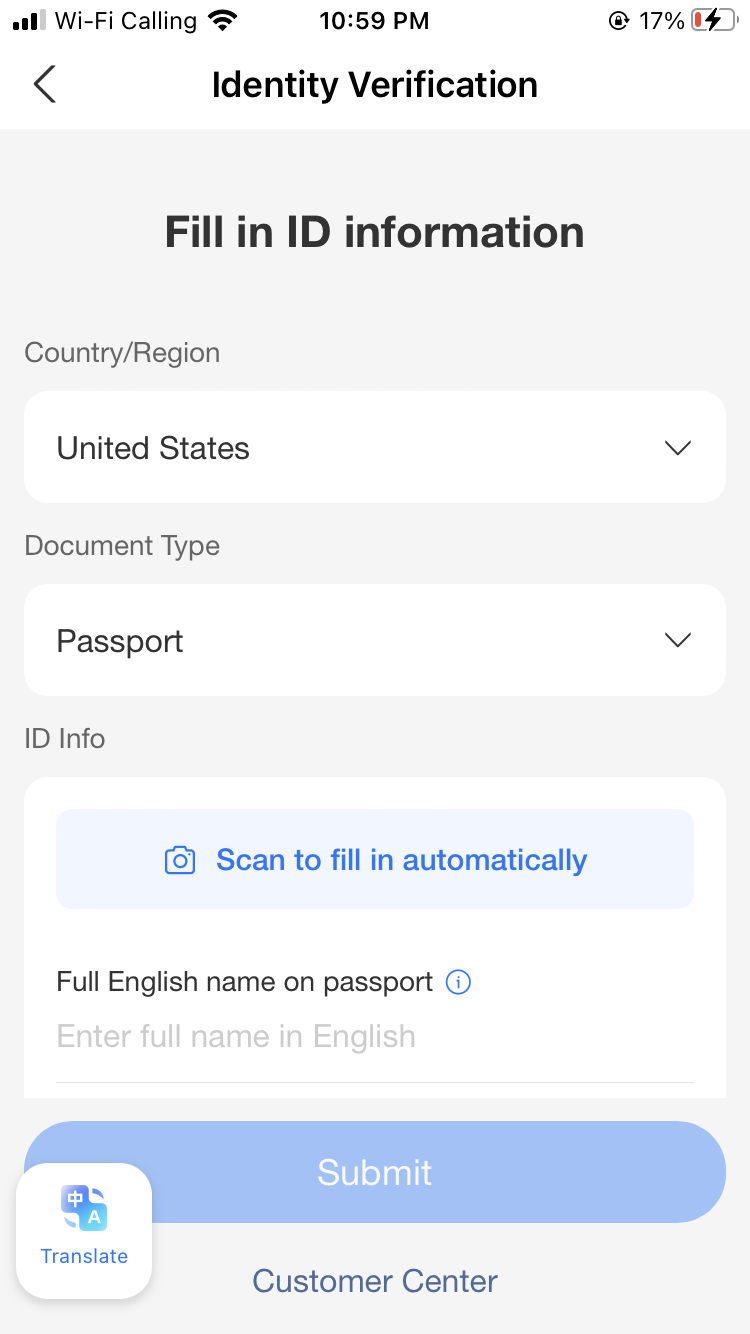
- Select passport as your ID type
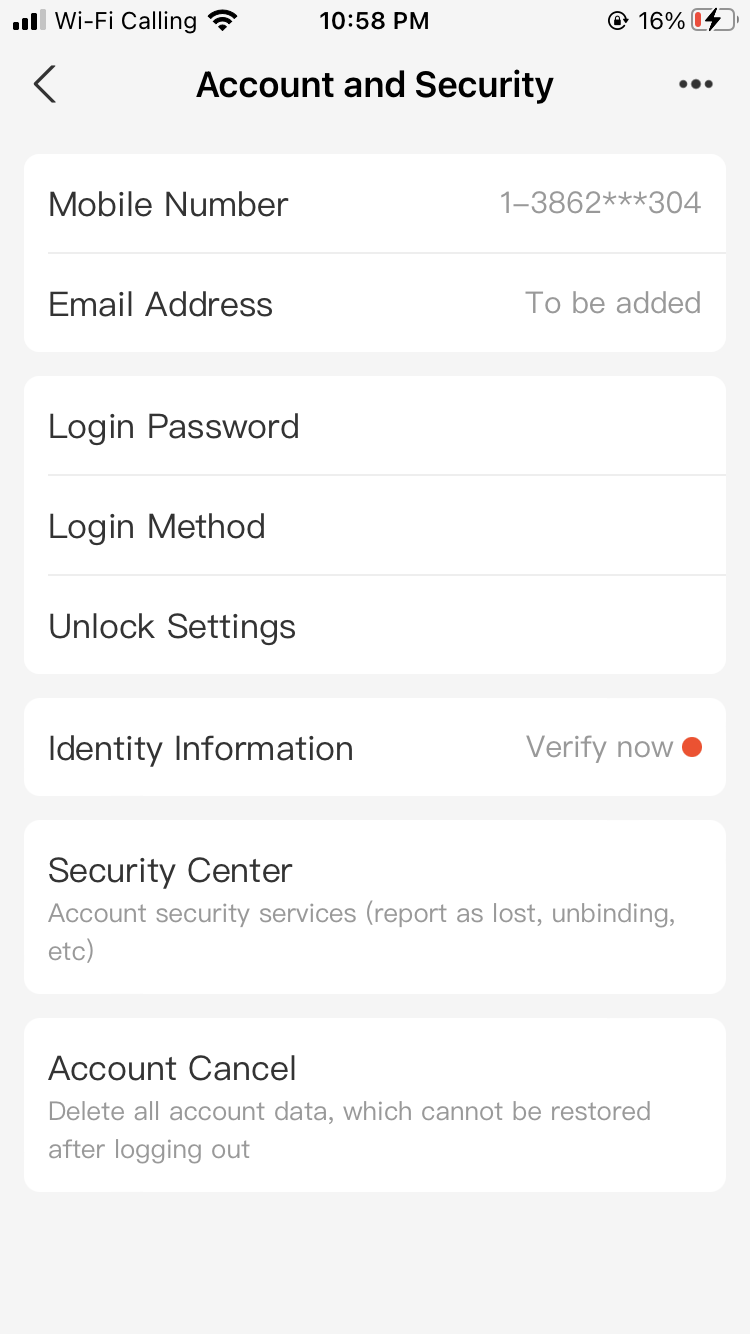
Verification is technically optional for small payments, but unverified accounts hit a low annual cap fast and Alipay often blocks payments until you verify anyway.
- Enter passport details and upload a photo
Use the passport photo page. Make sure the photo is sharp and glare-free.
- Complete the face scan
Follow the on-screen prompts. Approval is usually instant to a few minutes.
Two ways to pay — which one where
| Situation | What to do |
|---|---|
| Small shop, street vendor | Tap Scan, scan their QR code, type the amount yourself |
| Supermarket, chain store | Tap Pay/Collect, show your barcode, cashier scans you |
| Restaurant | Scan the QR code on the table to order and pay |
| Taxi / DiDi | Scan the driver's QR, or pay in-app via the DiDi Mini Program |
| Metro | Open Transport in Alipay, pick your city, scan the QR at the turnstile |
Fees and limits with a foreign card
| Item | Amount |
|---|---|
| Fee, payment under ¥200 | Free |
| Fee, payment over ¥200 | 3% of the full amount |
| Single transaction cap | ¥35,000 (~$5,000) |
| Annual cap, no passport verification | ~¥20,000 — verify to lift it |
| Annual cap, passport verified | Up to ¥350,000–500,000 depending on account tier |
| Exchange rate | Set by your card issuer, not Alipay; your bank may add its own 1–3% foreign transaction fee |
To dodge the 3% fee, keep individual payments under ¥200 where you can — most meals, metro rides, and convenience-store runs fall under it naturally. For big-ticket items (hotels, rail tickets), the 3% is usually still cheaper than airport currency exchange.
Mini Programs: one app instead of five
Search inside Alipay before installing standalone Chinese apps — Mini Programs run inside Alipay and charge your linked card directly:
- Food delivery: search "Meituan" or "Ele.me" — order without a Chinese phone number
- Ride-hailing: search "DiDi" or tap Travel > Ride-hailing
- Metro: tap Transport, pick your city, get a turnstile QR (works in 40+ cities)
- Shared bikes: scan any Hellobike QR with Alipay's scanner
When it fails
Card and account
Card linking keeps failing
Check the name matches the card exactly (try with/without middle name). Call your bank to authorize Alipay. Try a different card — and confirm the card supports 3D Secure.
No SMS verification code
Confirm the country code is selected from the dropdown, enable roaming, wait 60 seconds, then try the voice-call option.
App is in Chinese
Me > Settings > General > Language > English.
Payments
Payment declined at a merchant
Personal QR codes (used by some street vendors) don't accept foreign cards — ask for the business QR with the blue Alipay sticker, or pay cash.
First payment blocked as suspicious
Alipay sometimes blocks first-time payments to new merchants as fraud prevention. Call Alipay support at 95188 (press for English) to release it, or just pay cash this once.
Charged incorrectly
Screenshot the transaction, contact the merchant, then use the in-app dispute or call 95188. Most cases resolve in 1–3 days; the refund shows in Alipay immediately but takes longer to reach your card.
Friend wants to send me money
Foreign-card accounts can pay but cannot receive transfers or red packets. Settle in cash instead.